Openseat
Technologies
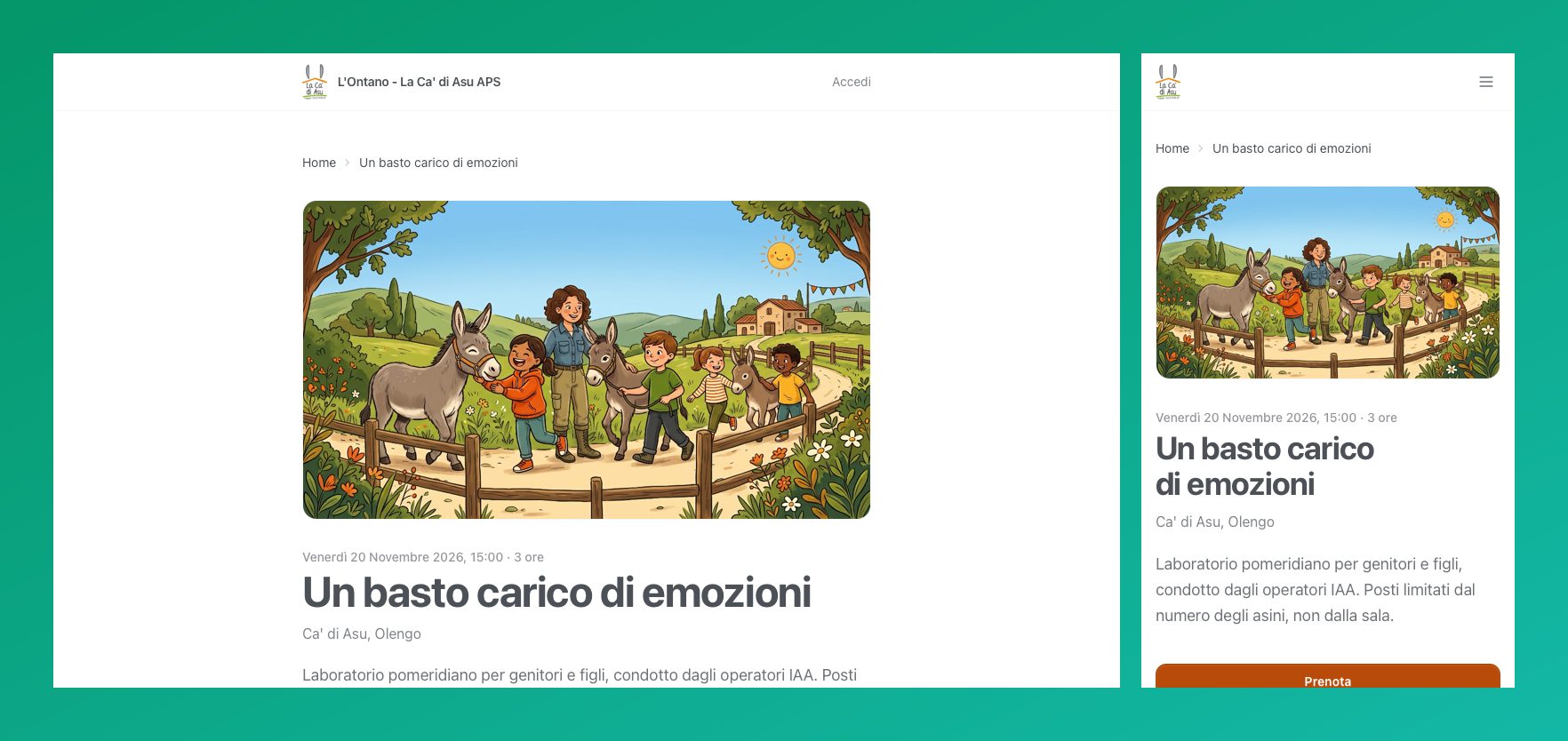
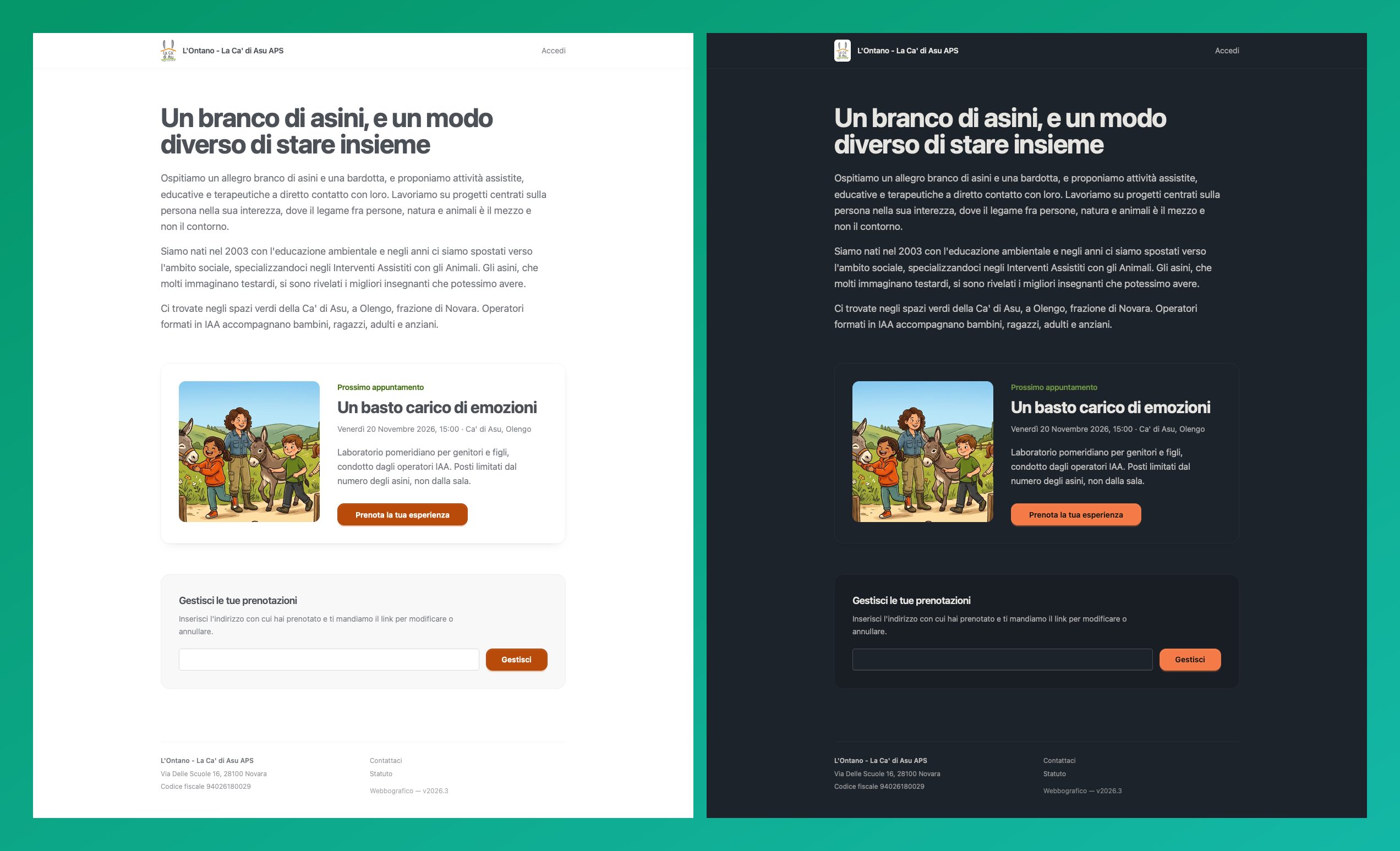
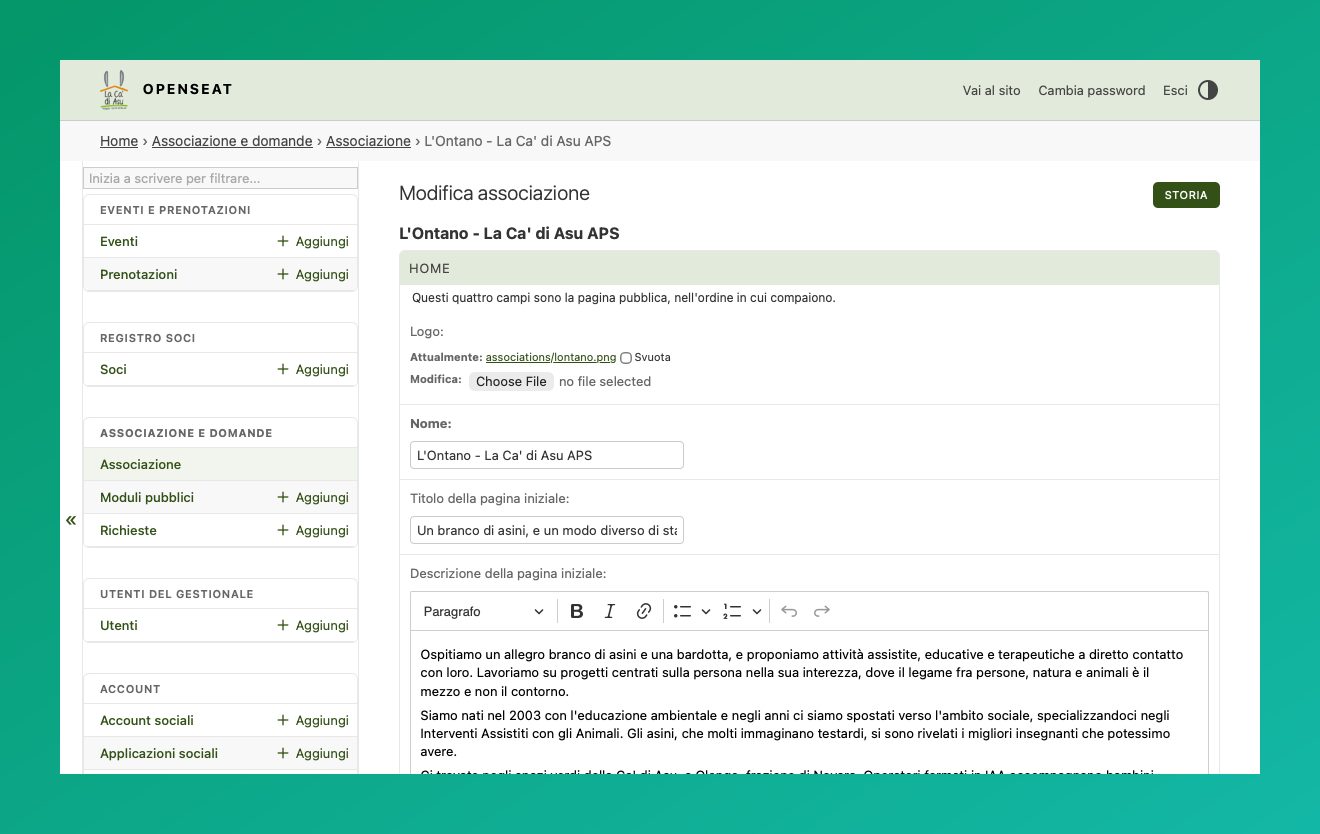
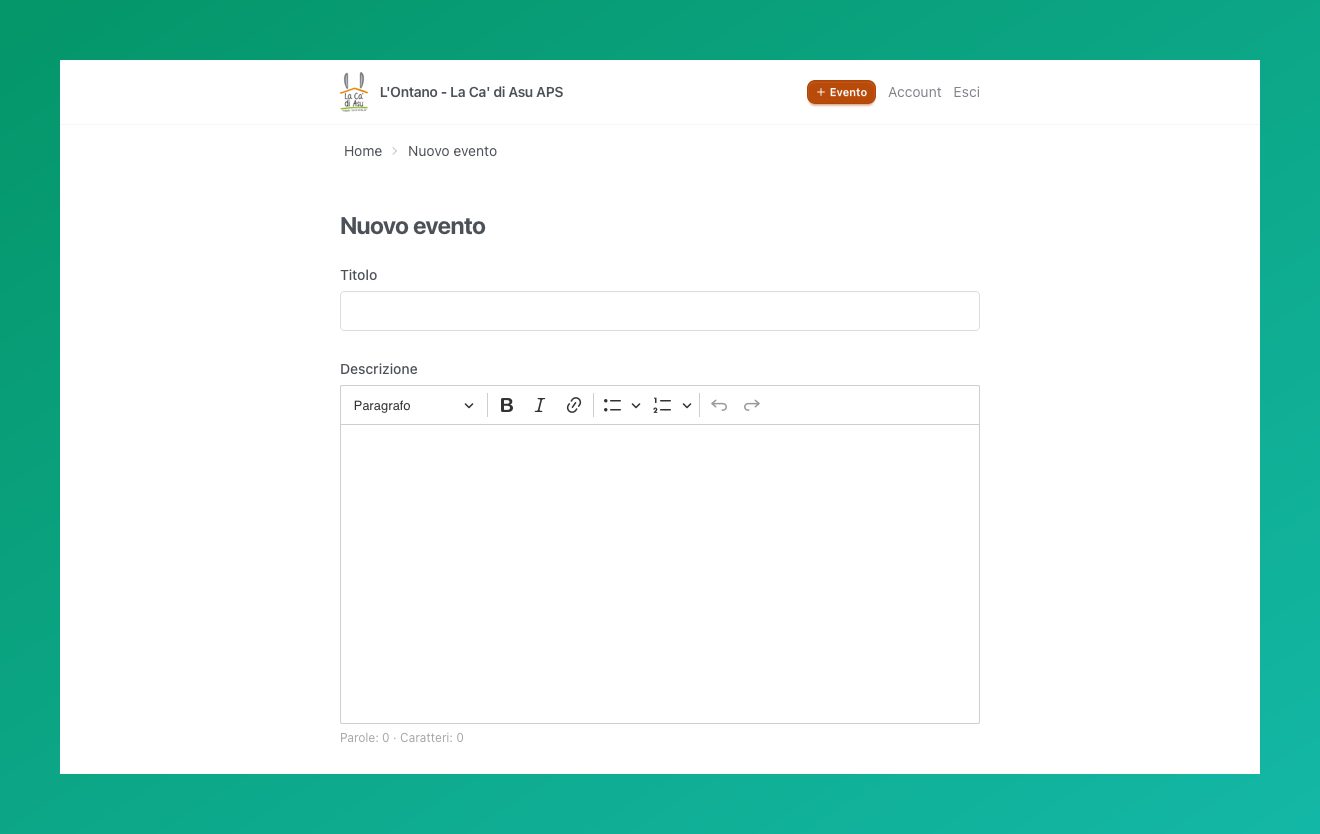
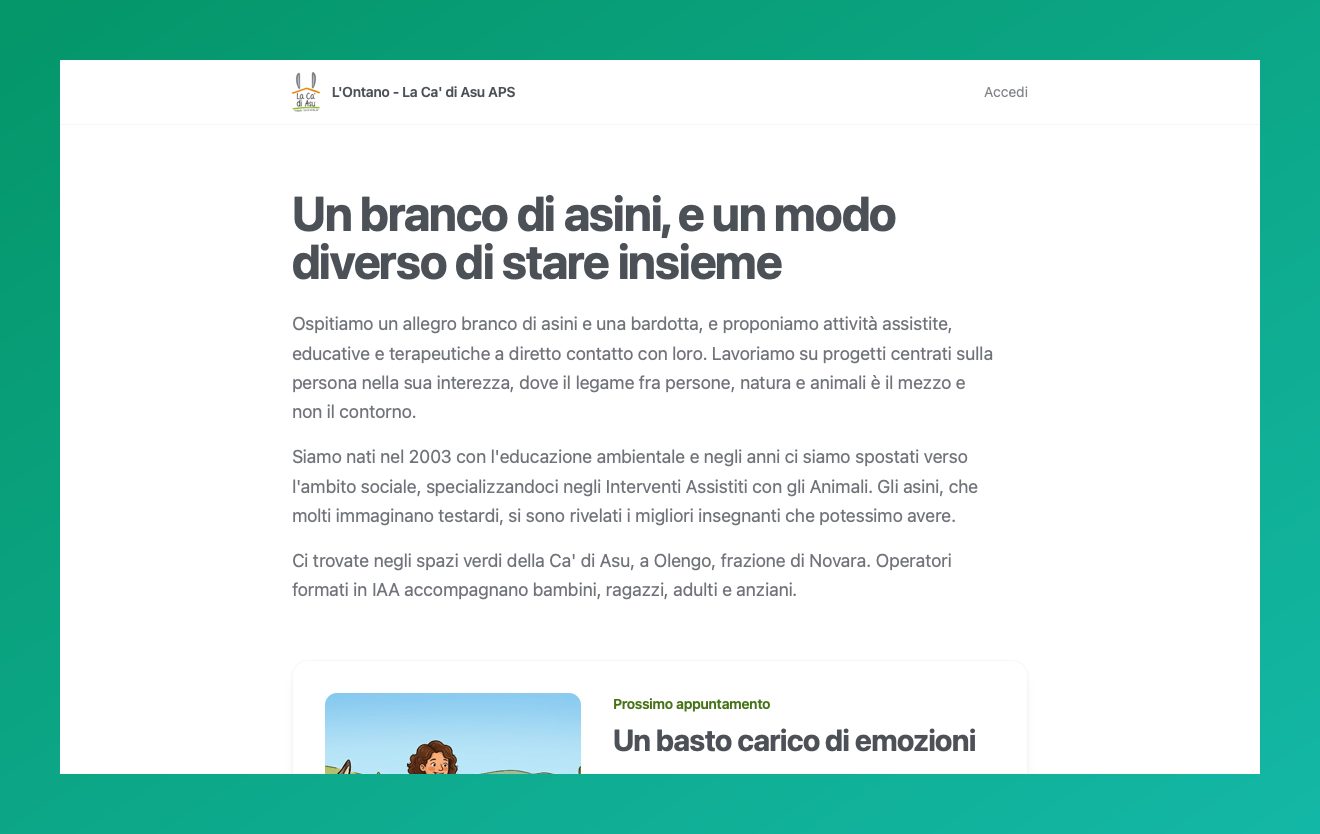
Openseat is an open source, self-hosted booking manager built for non-profit associations that run events, workshops and activities with limited seats. Each association gets a public home page with its own logo, name and description, editable by the admin through a small rich-text editor, as shown above for “L’Ontano - La Ca’ di Asu APS”, an association running donkey-assisted activities.
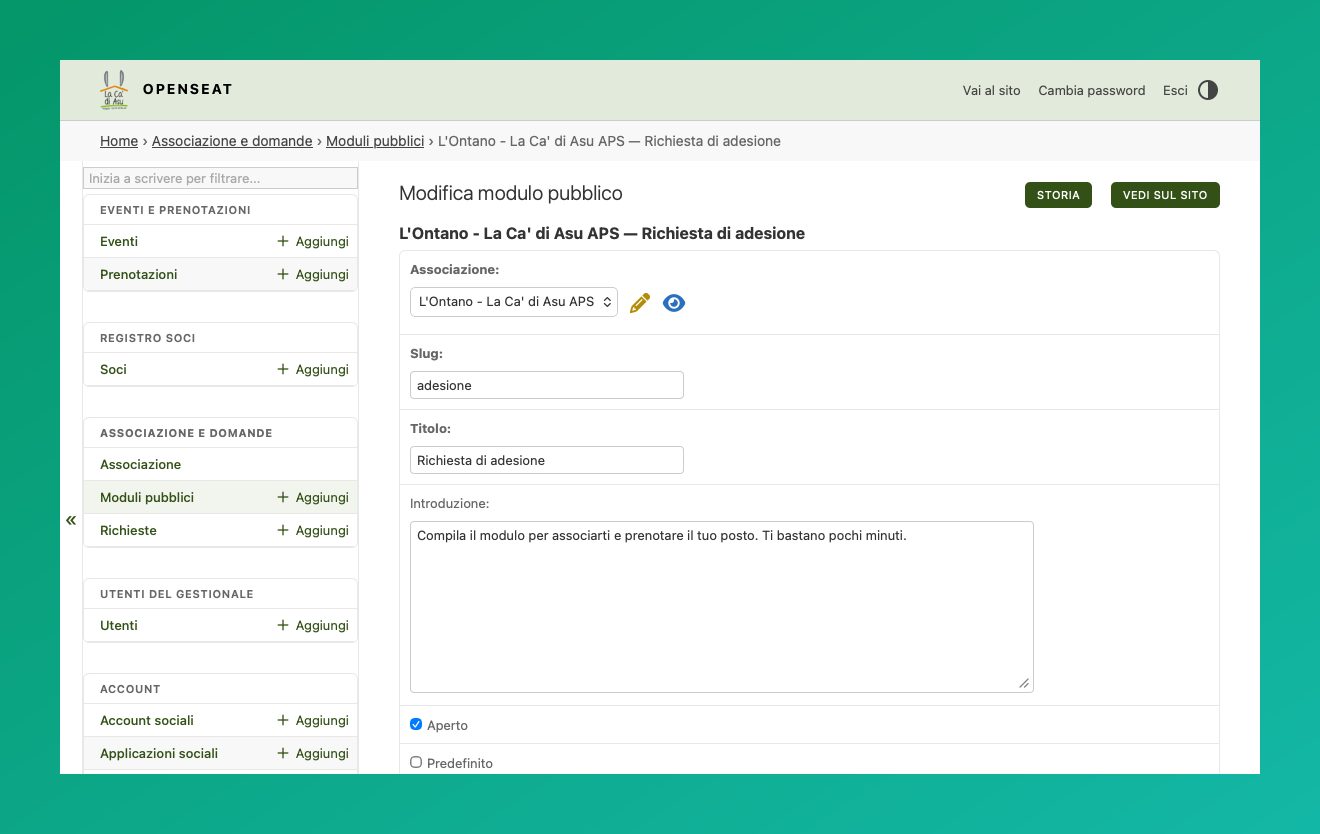
Membership sign-up happens through a public multi-step form, designed to meet the requirements an Italian APS actually has to follow (parental-responsibility and image-consent rules): drafts survive a lost connection and expire after thirty days. Once a member, booking a place at an event only takes an email and tax code to prove identity, and covers family members joining in the same flow.
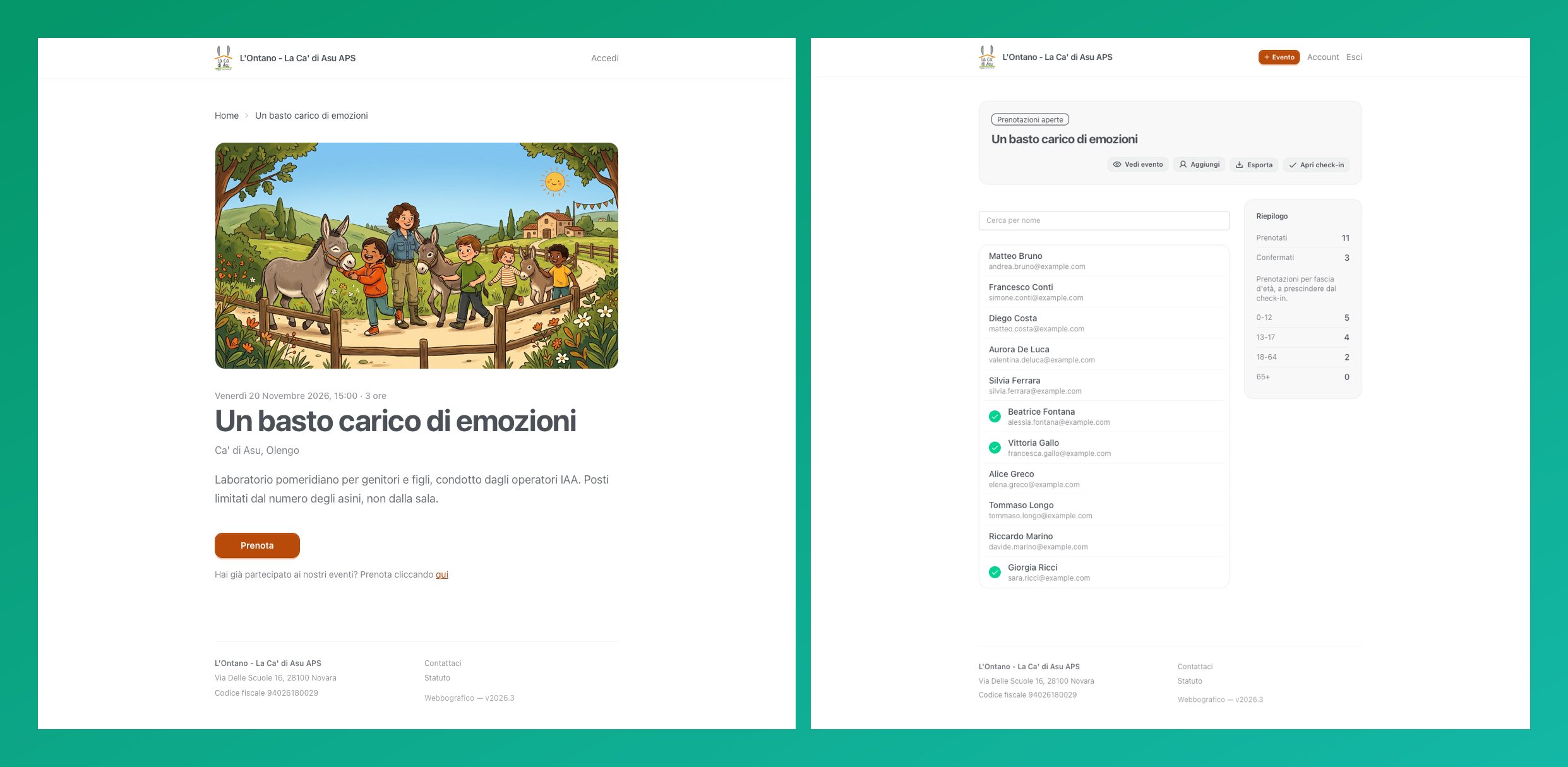
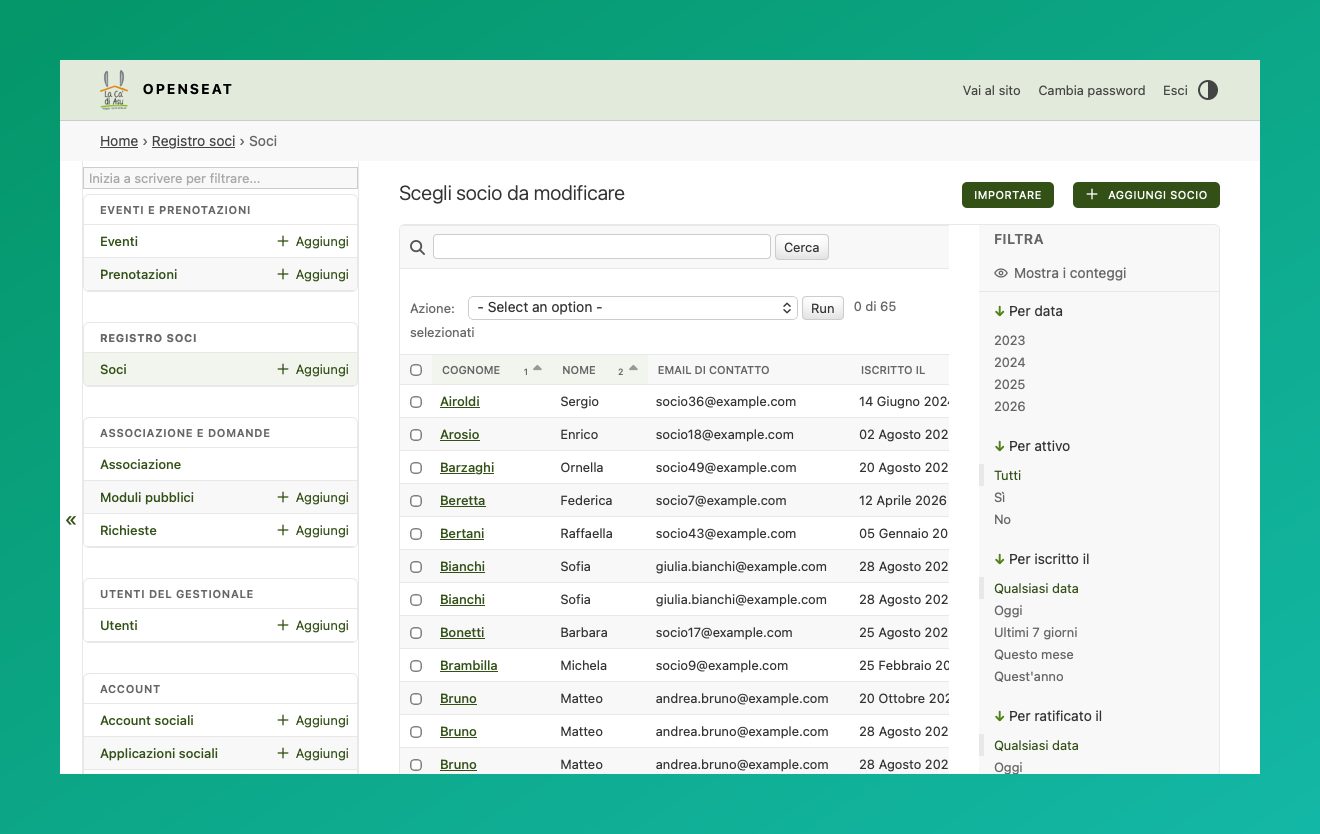
The membership register collects every submitted application, ready for the board to minute and exportable to CSV over a date range for the accountant or the annual filing. At midnight on the day of an event, the booking list is emailed to the association — a ready-made checklist for whoever is on the door, so nobody has to remember to ask for it.
Technically it’s built on Django with HTMX for dynamic interactions without full page reloads, Alpine.js for client-side state, and Tailwind CSS + DaisyUI for the interface, with customizable themes per hosted association. It ships as a single container, with no SaaS dependency and no data leaving the organization.